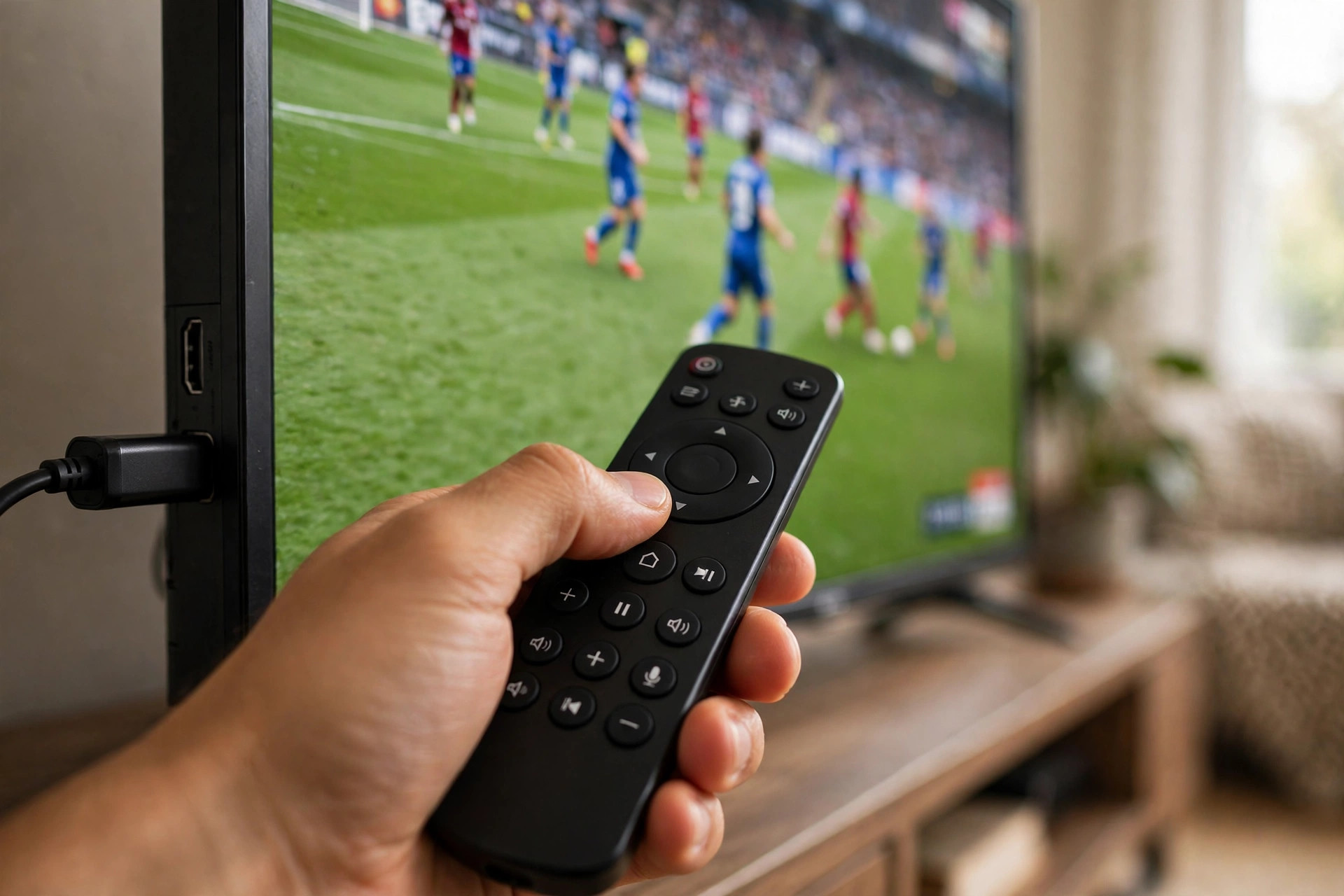
How to Set Up Apollo IPTV on Firestick: Full Walkthrough
The complete Firestick walkthrough, from the WhatsApp trial message to the player settings most guides forget.
Open the guide →Stuck halfway through an Apollo-style IPTV setup? Start with the guide for your device below. Each walkthrough is written around 4K Media TV — the service we recommend — so the steps match the login you will actually receive.
Quick Answer: To set up IPTV the Apollo way — without the Apollo confusion — order a free 24-hour trial of 4K Media TV on WhatsApp, install a standard IPTV player on your Firestick or Smart TV using the guides below, sign in, and watch. Setup takes about ten minutes per device.
4K Media TV is a premium IPTV subscription service with 57,000+ live channels and 185,000+ movies and series in up to 4K quality. Premium plans are one-time payments: $19.99 for 1 month, $39.99 for 3 months, $59.99 for 6 months and $99.99 for 12 months for one device, with multi-device options up to 4 devices. Every plan starts with a free 24-hour trial, orders are ready within 10 minutes to 8 hours, and ordering and support run through WhatsApp.
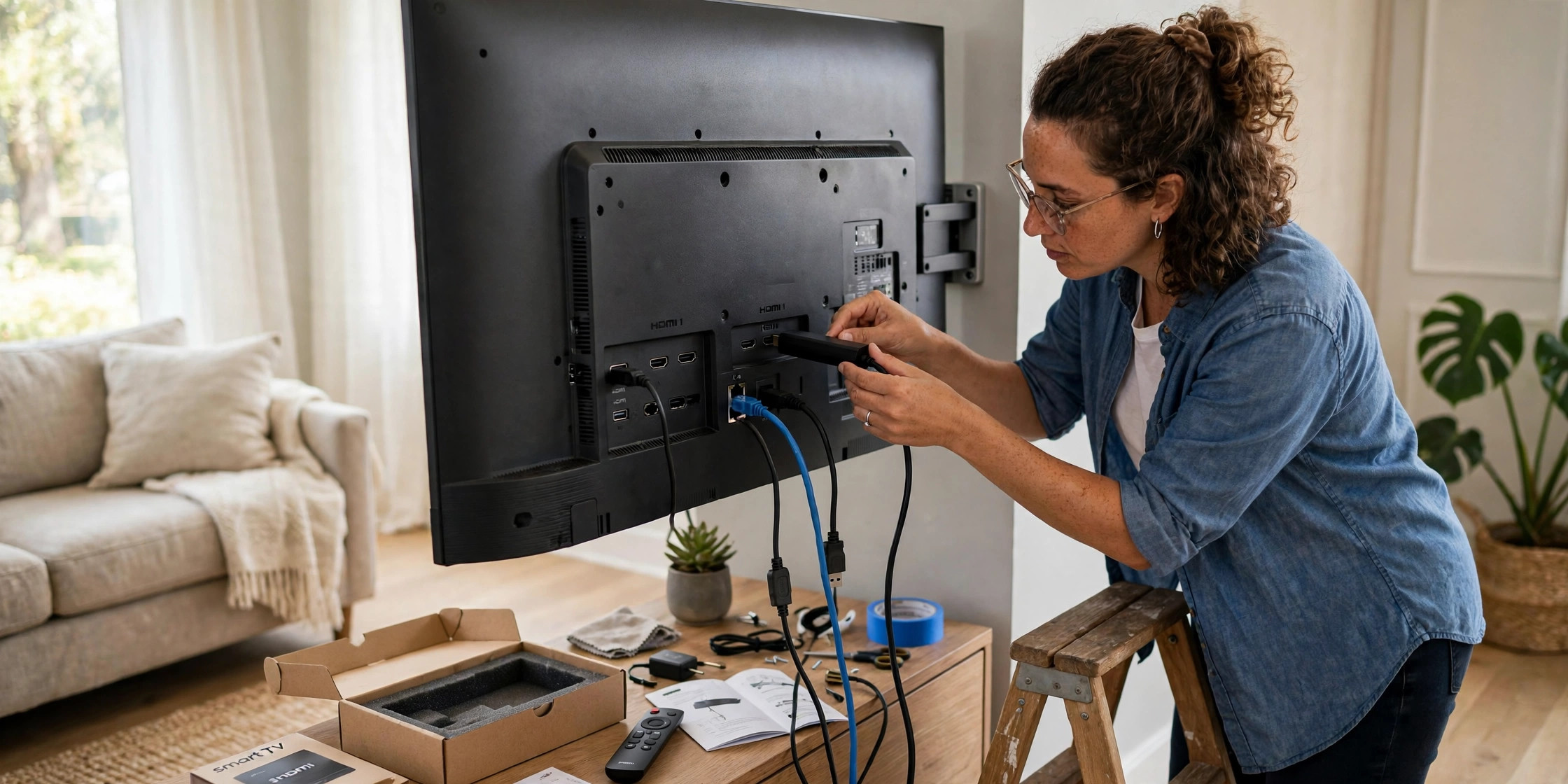
The complete Firestick walkthrough, from the WhatsApp trial message to the player settings most guides forget.
Open the guide →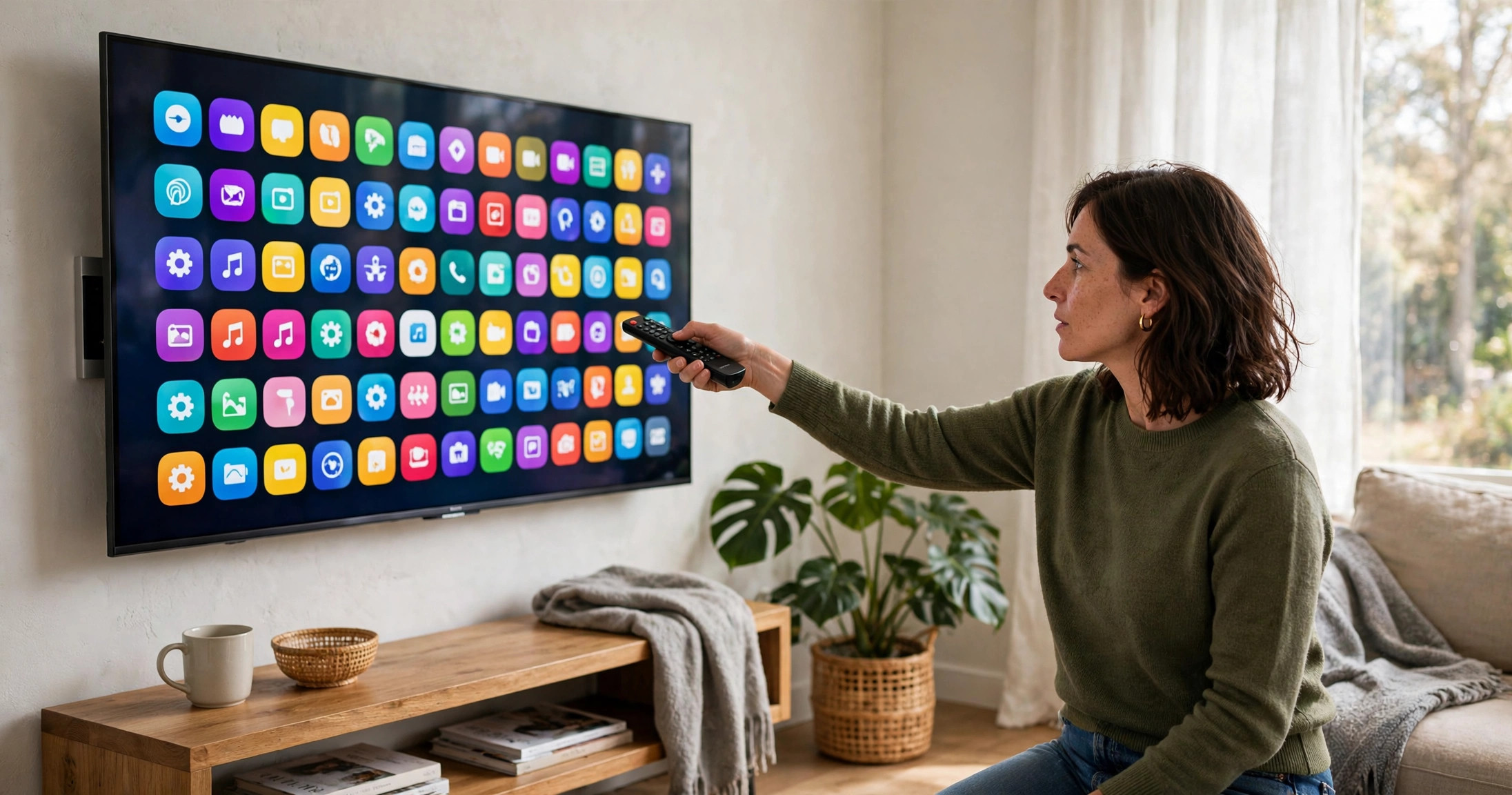
No stick required: the built-in app store routes for Samsung, LG and Android TVs, plus the settings that make IPTV feel native.
Open the guide →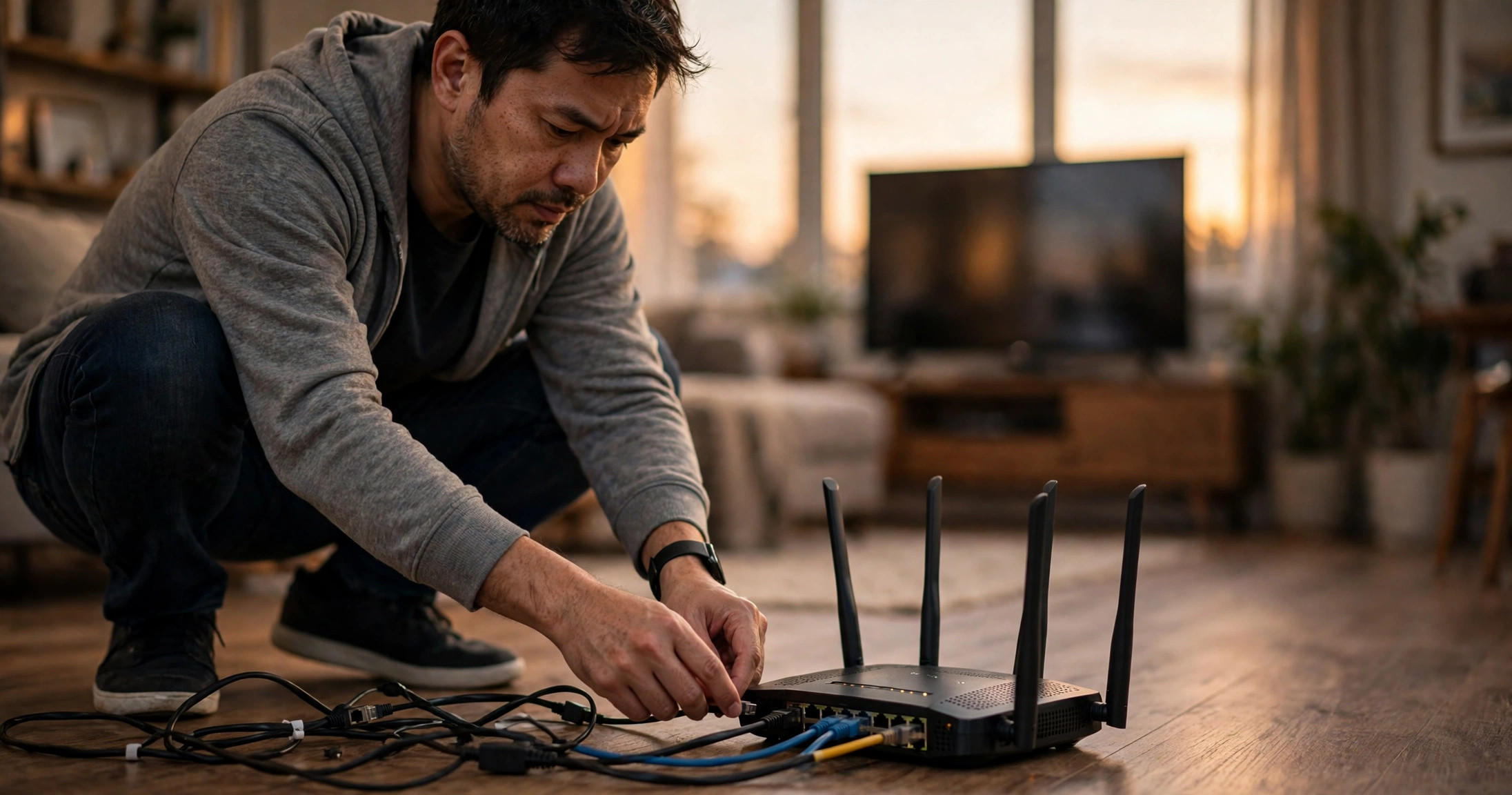
Work the list top to bottom — most buffering dies at step 2 or 3, and the expensive fixes come last for a reason.
Open the guide →4K Media TV Premium — one-time payment, no subscription trap. The trial is free; the grid below is what you pay only if you stay.
from $19.99
ONE TIME — Ready within 10 min – 8H
from $39.99
ONE TIME — Ready within 10 min – 8H
from $59.99
ONE TIME — Ready within 10 min – 8H
from $99.99
ONE TIME — Ready within 10 min – 8H
The main Apollo alternative hub lives at Apollo 4K IPTV, and ranked provider lists for every category are at Top IPTV Picks.
One setup step most guides skip: a VPN. It keeps your streaming private and, on many connections, removes the evening throttling that looks like an app problem. Surfshark installs from the same app stores as your IPTV player and covers unlimited devices.
Disclosure: the Surfshark link and banner above are affiliate links. If you buy through them we may earn a commission at no extra cost to you.
Install a standard IPTV player app from the Amazon Appstore, sign in with the login you receive after ordering, and your channels load. Our Firestick walkthrough covers every tap, including the settings that prevent buffering.
The walkthroughs are written around 4K Media TV: 57,000+ channels, 185,000+ movies and series, a free 24-hour trial and WhatsApp setup help if you get stuck on a step.
Evening buffering is usually one of three things: a congested Wi-Fi channel, your provider throttling streaming traffic, or an overloaded app cache. Our buffering guide works through the fixes in order, cheapest first.
Yes. Samsung and LG TVs run IPTV player apps from their own app stores, and Android TVs use the Play Store. The Smart TV guide covers all three routes.
4K Media TV Premium is one-time: $19.99 for 1 month, $39.99 for 3 months, $59.99 for 6 months, $99.99 for 12 months (1 device), and every plan starts with a free 24-hour trial.
Guides are easier with a login in hand. Start the free 24-hour trial, then follow the walkthrough for your device.
Start free trial on WhatsApp