Apollo IPTV on Smart TV: Samsung, LG & Android TV Setup
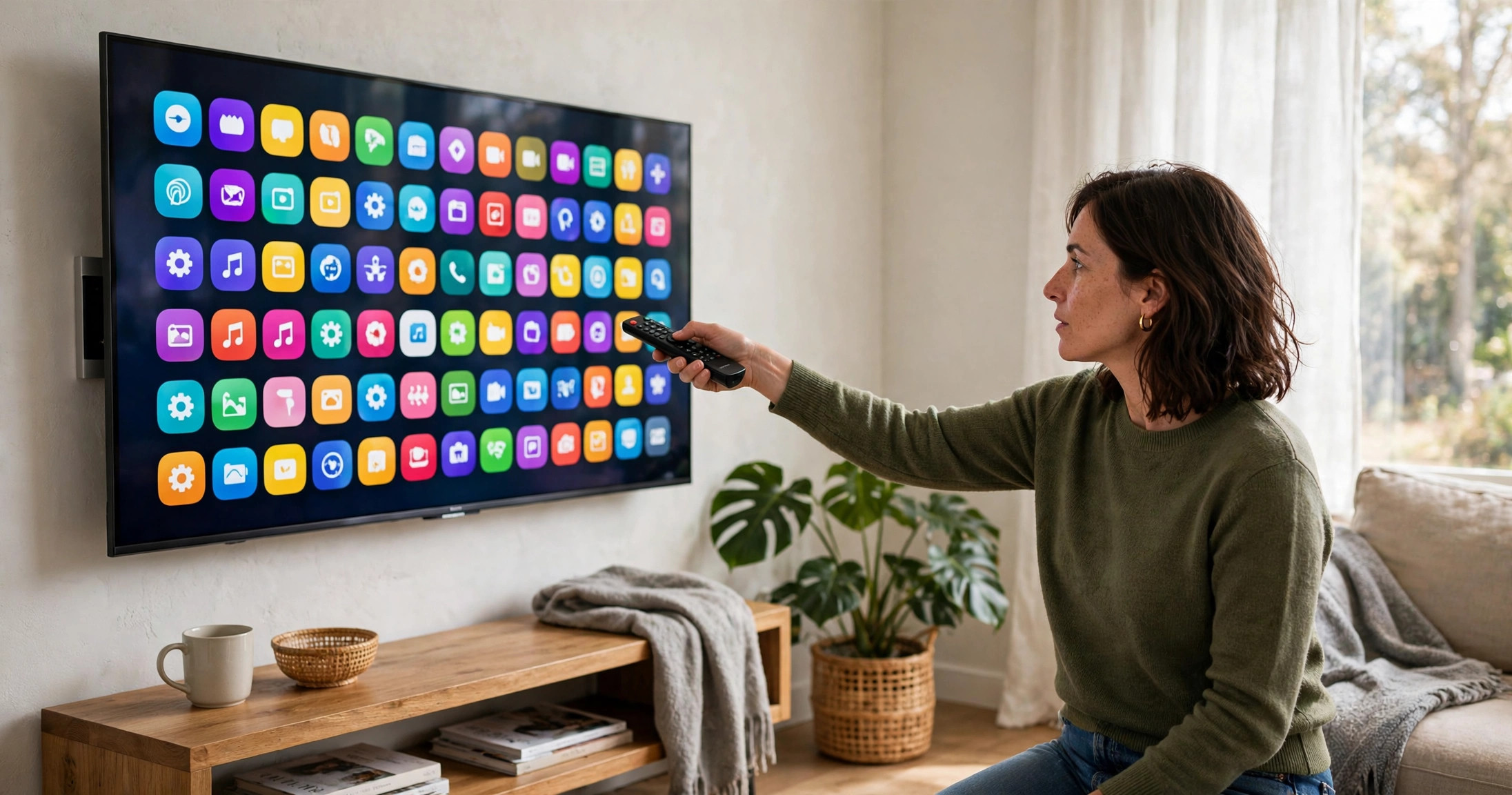
Quick Answer: 4K Media TV runs directly on Samsung, LG and Android Smart TVs through standard IPTV player apps from each TV's own app store: order the free 24-hour trial, install the player, sign in, and the full 57,000+ channel library is on your TV with no extra hardware.
4K Media TV is a premium IPTV subscription service with 57,000+ live channels and 185,000+ movies and series in up to 4K quality. Premium plans are one-time payments: $19.99 for 1 month, $39.99 for 3 months, $59.99 for 6 months and $99.99 for 12 months for one device, with multi-device options up to 4 devices. Every plan starts with a free 24-hour trial, orders are ready within 10 minutes to 8 hours, and ordering and support run through WhatsApp.
A Smart TV already has everything IPTV needs: a screen, an app store and a remote. This guide covers the three store routes — Samsung, LG and Android TV — using a 4K Media TV login, which you can get free for 24 hours before starting.
Before you start: get the login
Every route below ends at a sign-in screen. Tap a WhatsApp button on this page first and send the pre-filled message; your trial details (server, username, password) arrive within 10 minutes to 8 hours. While you wait, install the player.
Route A: Samsung TVs (Tizen)
- Press Home, open Apps, and search for a standard IPTV player app.
- Install it and open it once.
- Choose the playlist/login option and enter your server address, username and password.
- Let the channel list load fully before judging the speed — the first load of 57,000+ channels takes a couple of minutes.
Route B: LG TVs (webOS)
- Press Home, open the LG Content Store, and search the same way.
- Install the player, open it, and sign in with the same three details.
- In the player settings, enable hardware decoding if offered — webOS sets handle 4K streams more smoothly with it on.
Route C: Android TV and Google TV
- Open the Google Play Store on the TV.
- Install the player app (the widest choice of the three platforms).
- Sign in, wait for the library, then set the app to start on boot if you want IPTV to greet you at switch-on.
Settings worth changing on any TV
- Output resolution: Auto or 4K, never a fixed low resolution.
- Buffer size: Large — the single most effective anti-stutter setting (more in our buffering guide).
- TV picture mode: Movie/Filmmaker for films; Game mode off unless you are gaming.
- Wired beats wireless: if the router is near the TV, an Ethernet cable removes Wi-Fi from the equation entirely.
Prefer a stick anyway?
Some viewers like one remote and one interface across every TV in the house. In that case the Firestick setup walkthrough is your guide — and a multi-device plan from the pricing grid covers the TV app and the stick together.
Stay safe while streaming
Smart TVs benefit from a VPN just as much as sticks do: it keeps your viewing private and can prevent the provider throttling that shows up as evening buffering. Surfshark offers native apps for Android TV and works on Samsung and LG sets through its router and Smart DNS options, with unlimited devices on one account.
Disclosure: the Surfshark link and banner above are affiliate links. If you buy through them we may earn a commission at no extra cost to you.
Frequently asked questions
Can I watch IPTV on a Smart TV without a Firestick?
Yes. Samsung (Tizen), LG (webOS) and Android TV sets all carry IPTV player apps in their built-in stores. Install one, sign in with your 4K Media TV login, and no extra device is needed.
My TV's app store does not have the player I want. What now?
Use a second player from the same store — any standard IPTV player accepts the same login. If your TV is very old, a Firestick is the cheapest fix; the setup is covered in our Firestick walkthrough.
Does IPTV look as good on the TV app as on a stick?
Yes — the streams are identical. On a 4K TV, set the player output to 4K/Auto and the TV picture mode to Movie or Filmmaker for the cleanest result.
Can one plan cover my TV and a second screen?
Yes. Every duration in the pricing grid comes in 1–4 device versions, so the living-room TV and a phone or bedroom stick can share one plan.
Related guides
Your TV is ready when your login is. Start the free 24-hour trial of 4K Media TV on WhatsApp, then follow the route below for your TV brand.
Start free trial on WhatsApp